Upload a textbook, slides, notes or papers. Almagest reads everything you upload and writes one set of notes from all of it, organized by topic. Each fact appears once, with the sources that state it named beside it.
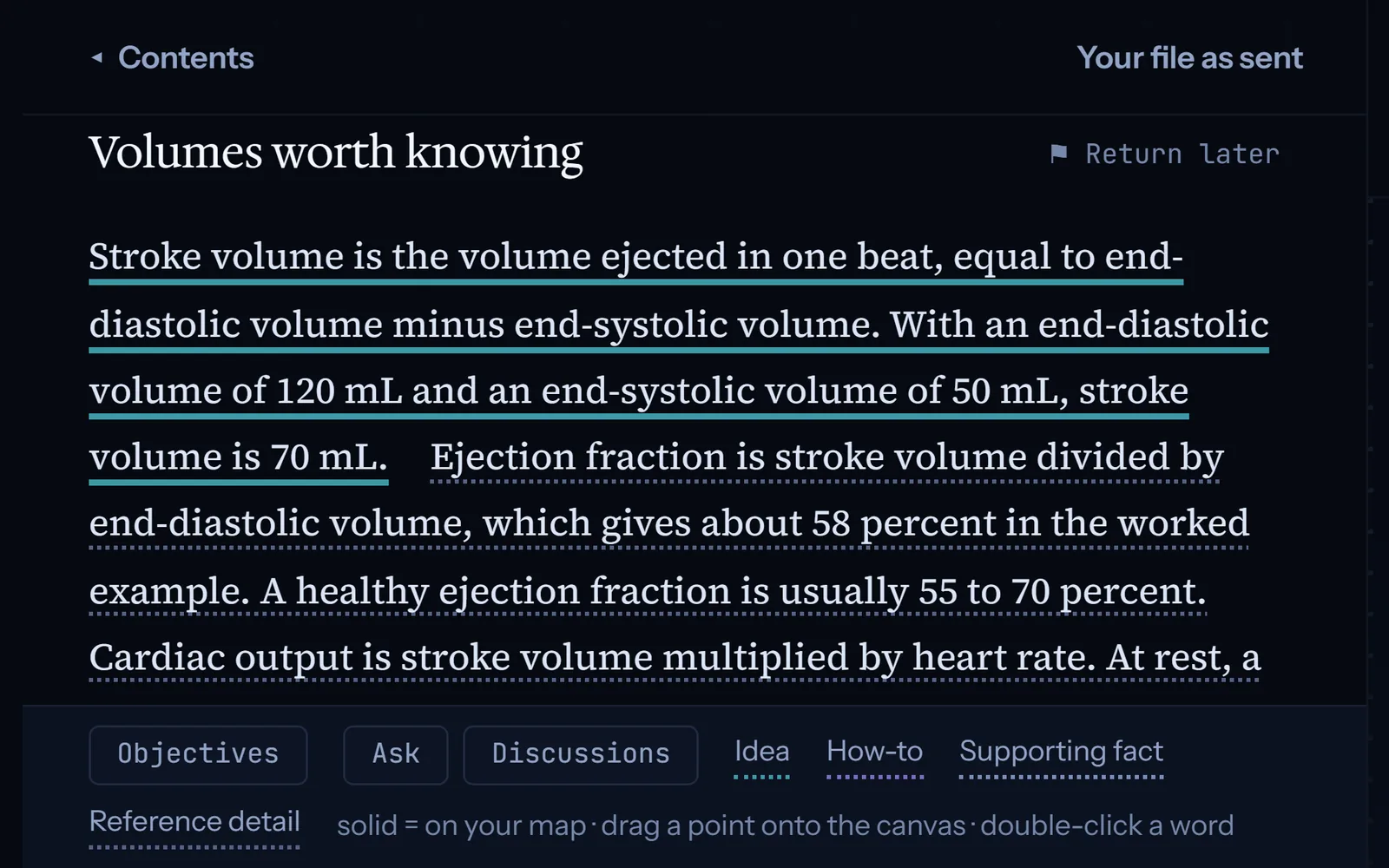
Each point is underlined in a color that shows its type. The four types are a main idea, a how-to, a supporting fact, and a detail to look up. Each source also gets its own short summary, and you can still open the original file.
02
Map
Build your own map.
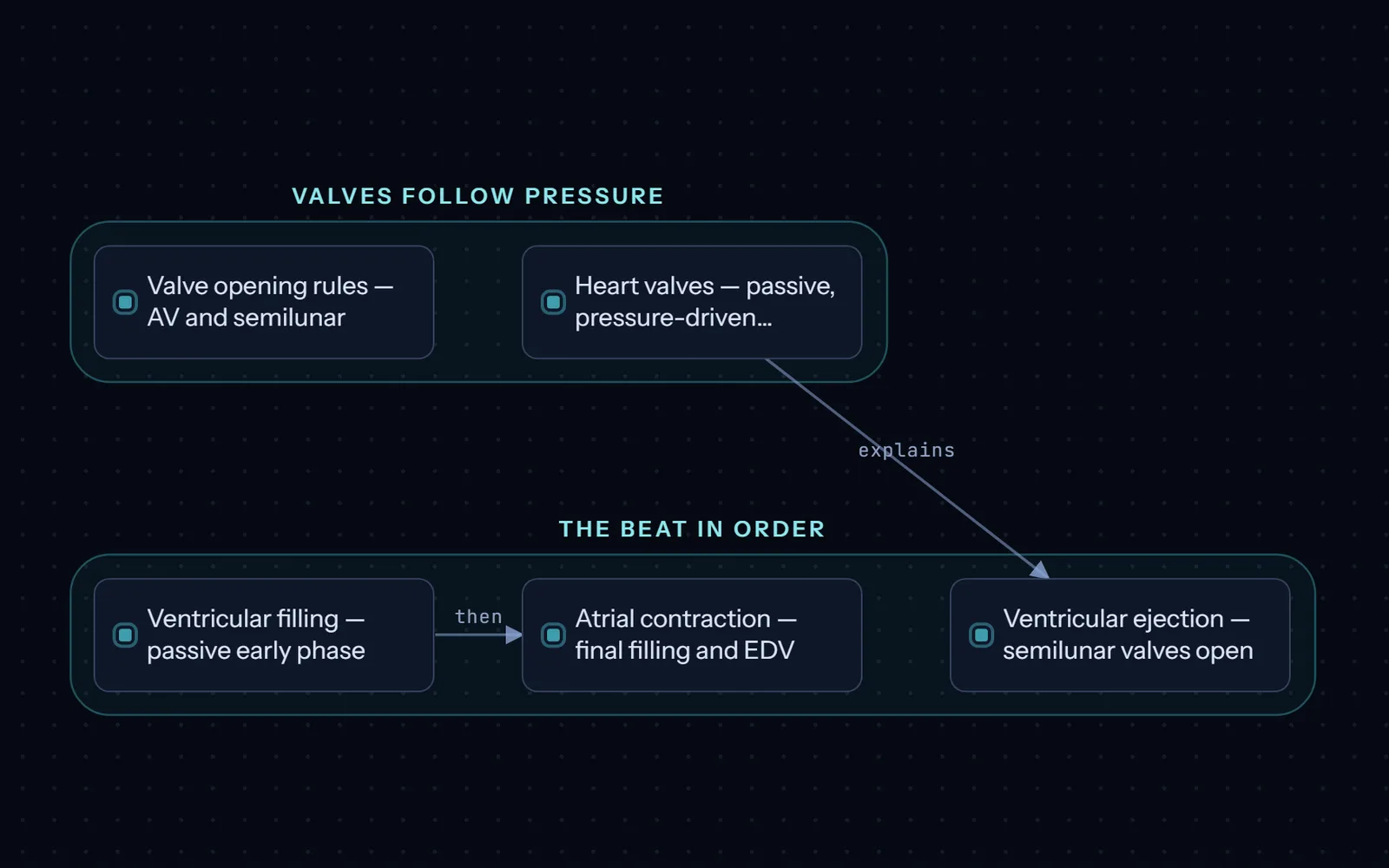
Drag points from your notes onto your mind map. You decide where each point goes and what each group is called, and you write the reason for each link. Groups can hold smaller groups, so a large topic stays in order. Nothing is placed for you.
03
Ask
Ask when you’re stuck.
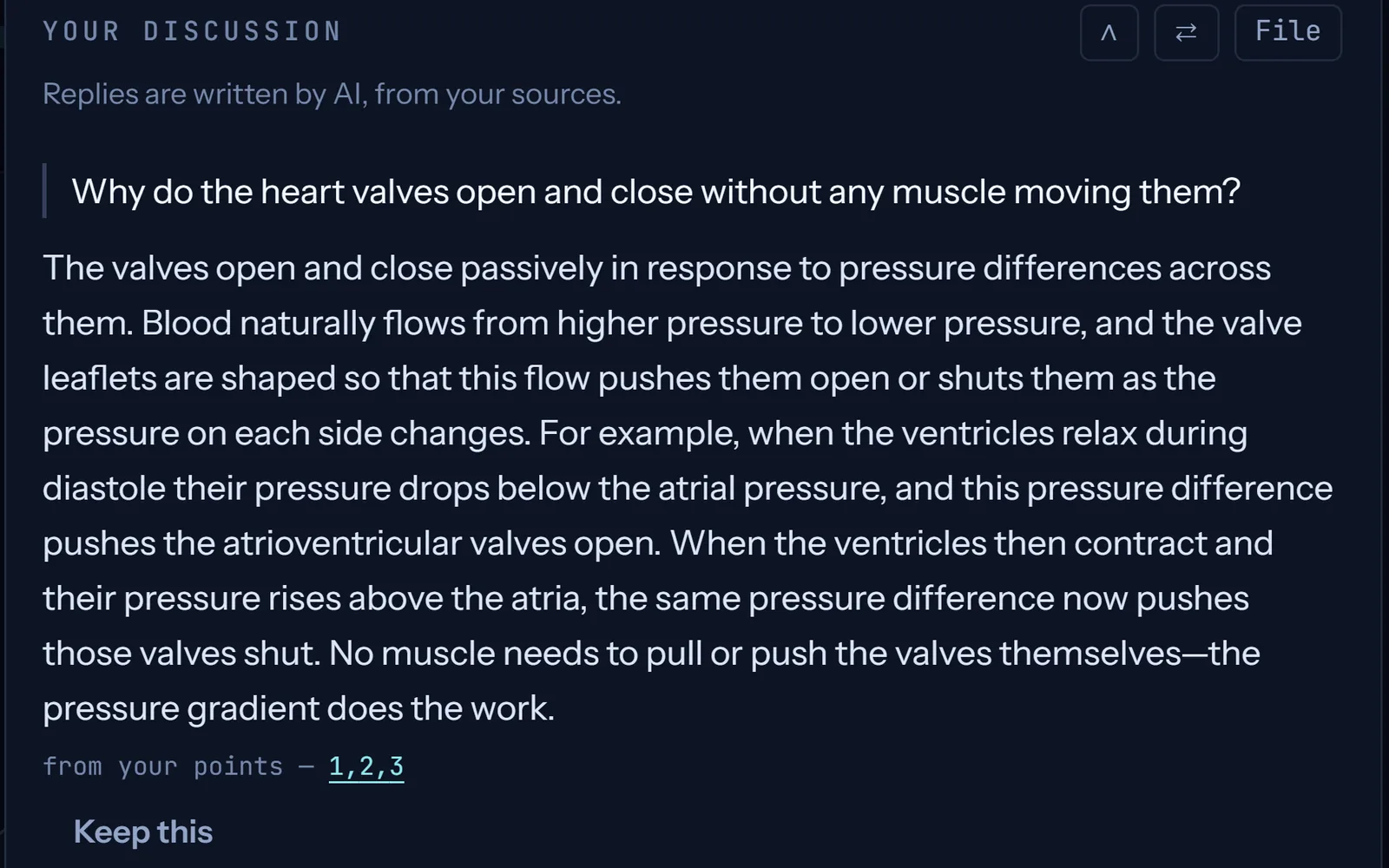
Ask about anything in your material. Start with your best guess, or say what confuses you. Either one gets you a real answer. If you give it nothing to work with, it asks you a question first. It answers from your sources. If they don’t cover it, it can search your other maps, then published research. You choose which source to trust, and it always shows where an answer came from.
You can also explain a topic in your own words. Almagest compares your explanation with your sources and lists what you left out or got wrong. You can add any part of a conversation to your notes, then drag it onto your map from there.
04
Recall
Review just before you’d forget.
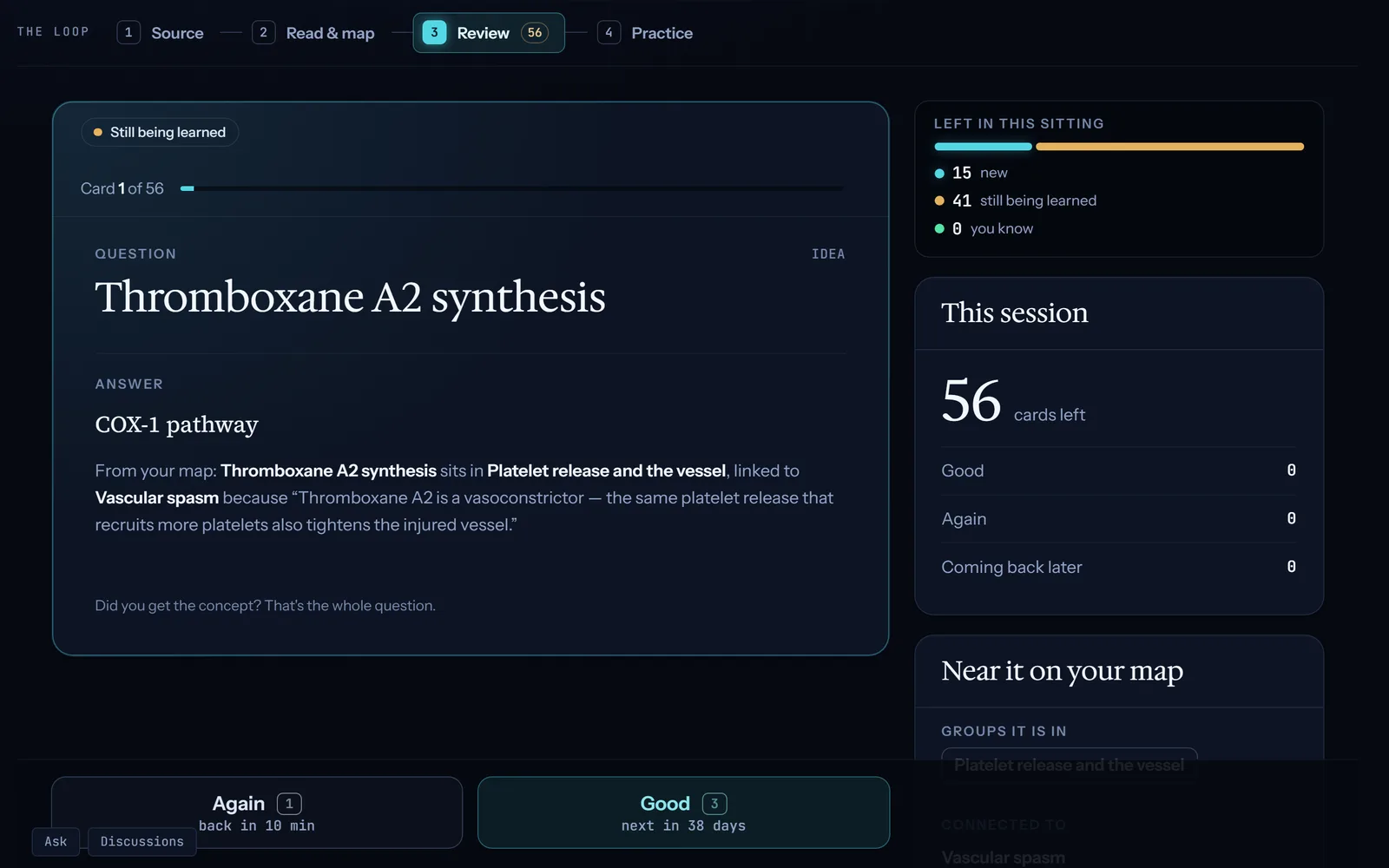
Every point on your map becomes a flashcard. A new card comes back a few minutes later, then on longer and longer gaps, each just before you would forget it. This is called spaced repetition.
Already use Anki? Import your cards from it. Almagest imports the cards, not their review history. Send your decks to Anki, and the two apps stay in sync: a review in either one counts in both. A few kinds of card don’t sync yet, such as covered parts of a picture.
Upload a diagram, and Almagest finds its labels and proposes a cover over each one. You keep or remove each cover, and you can draw your own. Each covered label becomes a card: you see the diagram with that label hidden, and say what it is.
When you’ve learned every point in a group and every link between them, combine the group into one card. You then review one card instead of several. Forget one part? Choose “I forgot part of this” and review that part on its own. Once you’ve learned it again, it merges back into the combined card on its own.
Pick any of your decks and review all their cards in random order, whether they’re due or not. You mark each answer right or wrong yourself, and nothing you answer changes a review date. You can limit it to cards you’ve missed before. At the end, you see each card you missed, with a link to its place on your map. You can then review the missed cards again.
05
Solve
Test yourself on new questions.
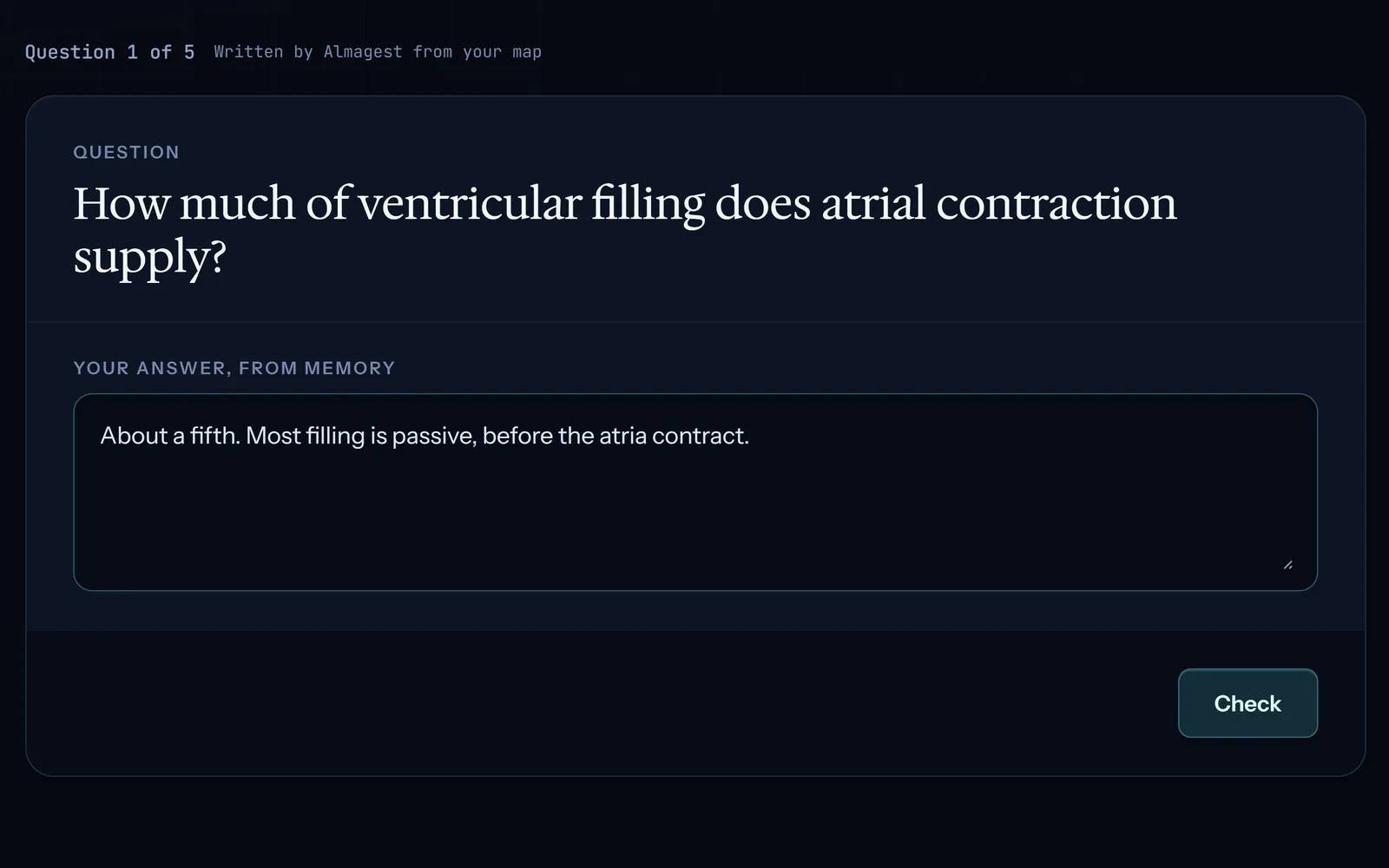
Almagest writes new questions from your map. They are never your cards asked again. You type your answer from memory first. Then the multiple-choice options appear. Questions already in your material, like quiz slides, are kept word for word, with where they came from.
Five ways to start
For each deck, pick the way that fits what you’re studying.
“New note”“Learn this material”
Write the problem as a note: in your Library, choose “New note”. Save it, then choose “Learn this material” to make it a deck.
123
Next, write your learning objectives, or paste the ones your group agreed on.
most-quotedStatPearls
For each objective, {PRODUCT_NAME} searches published research and lists the papers. They come in the order you set on the Database page: most-quoted, newest, or checked by other experts first. A StatPearls chapter whose title shares your objective’s words is listed first. StatPearls is a free medical reference.
You pick which papers to add. A paper whose license doesn’t allow it can’t be added, but you can upload your own copy in your Library. Add your own books and notes too.
123
Almagest reads all your sources into one set of notes, with a section for each objective. Build your map from the notes, or from each source on its own.
Your slides open just as you sent them, and you drag points straight from them onto your map.
Almagest marks the slides you haven’t taken anything from yet.
It also writes one set of notes from all your slides, which you can drag from too.
“Find more on this”
Choose “Find more on this” on your topic to search published research for free. Later, you can do the same from any point or group on your map.
If you want, the AI can also suggest related topics to search next.
Papers you pick go to your Library. Once you add one to this deck, its new points are filed under the map group they fit.
Your notes are laid out in the same groups as your map.
Ask about any part of your material, in any order. You are never put into a reading order.
Say what confuses you, in your own words. The AI explains it to you, one to one, like a tutor would.
Keep asking until it makes sense. It is a discussion, not a lecture.
Add your slides, notes or textbooks to your Library.
Study it as flashcards, with no map to build first.
Your reviews are spread across the days ahead. Each card comes back right before you’d forget it.
AC
Answer practice questions on the same material, to check what you know.
In every way you start:
123
Your learning objectives.
Write your own, or keep the ones your course gives you. Problem-based learning always starts from them.
Your syllabus.
Add your syllabus or course outline, and Almagest shows which of its topics your maps don’t cover yet.
Finding sources.
Almagest searches published research in medicine and the life sciences. More subjects are coming. You can always upload your own sources, in any subject.
Adding more at any time.
Add a source whenever you like. Almagest works it into the notes you already have, in the sections it belongs to, and marks the new parts. You can also search for more on any point, and ask about anything still unclear.
Redo
Sources that disagree.
A newer or more reliable source may say something different from a point on your map. Then the point gets a red Redo mark, and its card is paused. You choose: fix the point from the new source, or keep the old one.
Your groups carry over.
When the notes for a new case or lecture mention points you’ve already grouped on another map, they say so:
“3 of the 6 points in your ‘Heart’ group are in this section.”
Add the group, and it comes onto the new map with all its points and the links between them.
+
Heart
They are the same cards, on the same review schedules, so you redo nothing. Points this case doesn’t mention are shown faded.